
 Posted by
@MultCloud September 2, 2021
Posted by
@MultCloud September 2, 2021

Migrate files across different cloud drives without manually downloading and re-uploading.

Sync two clouds or directories in two different cloud drives via one-way or two-way sync.

Backup one cloud data to another cloud for an extra protection and easy recovery.
This function helps you upload files to your cloud storage services that have been added in MultCloud. Thus you don't need to log in your cloud service, just open MultCloud and directly upload files to your cloud drive. If you have several cloud accounts, this method will help you save lots of time.
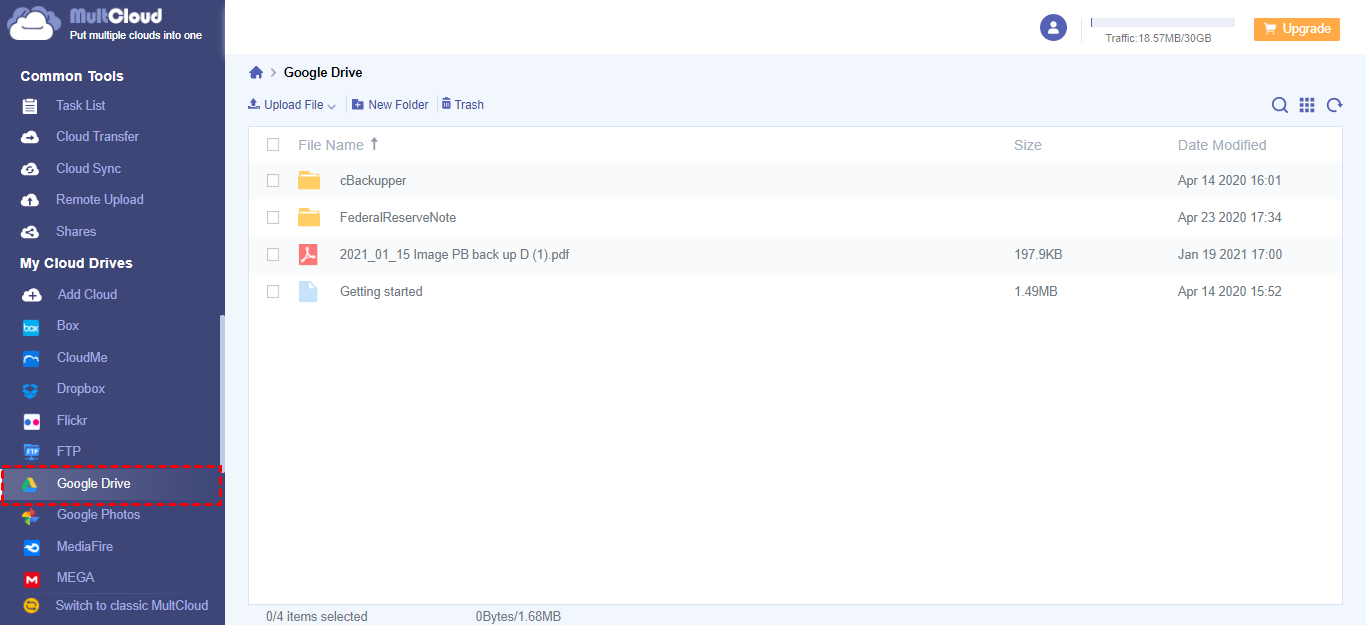
Open Google Drive in MultCloud
Tips: When you move cursor on "Upload File" button, Remote Upload button is also available, you can click here to know more details of Remote Upload.
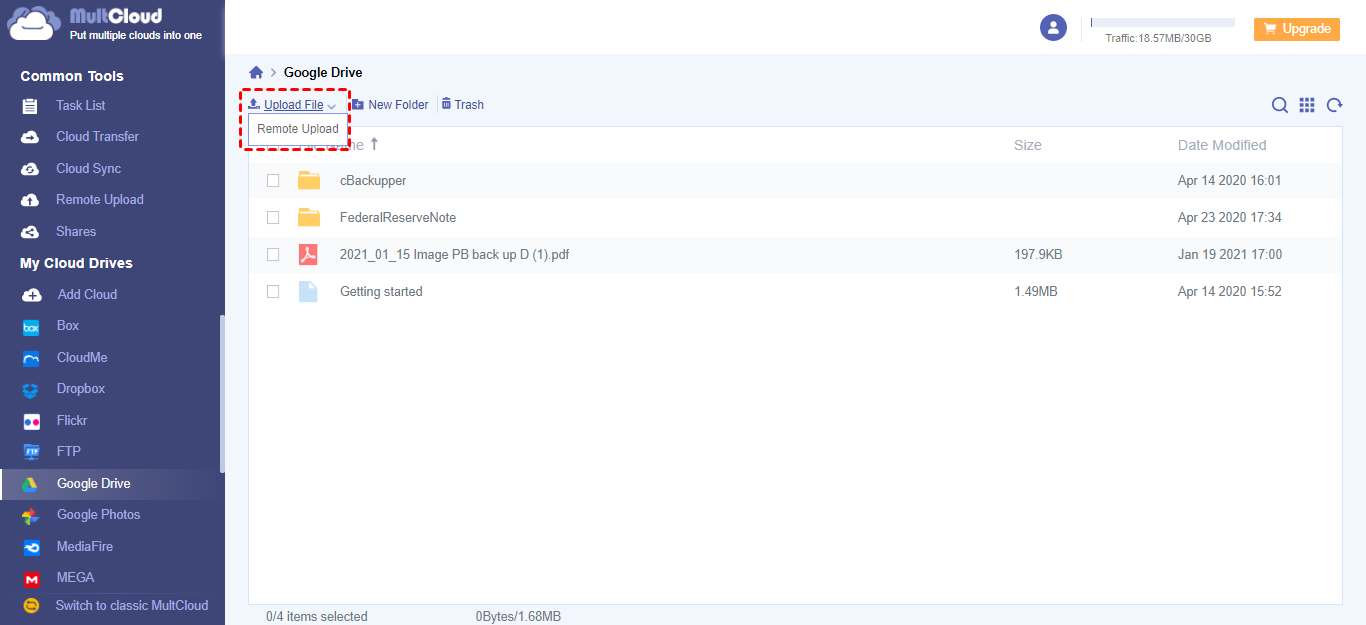
Upload Button
Tips:You can press SHIFT or CTRL key to select multiple files.
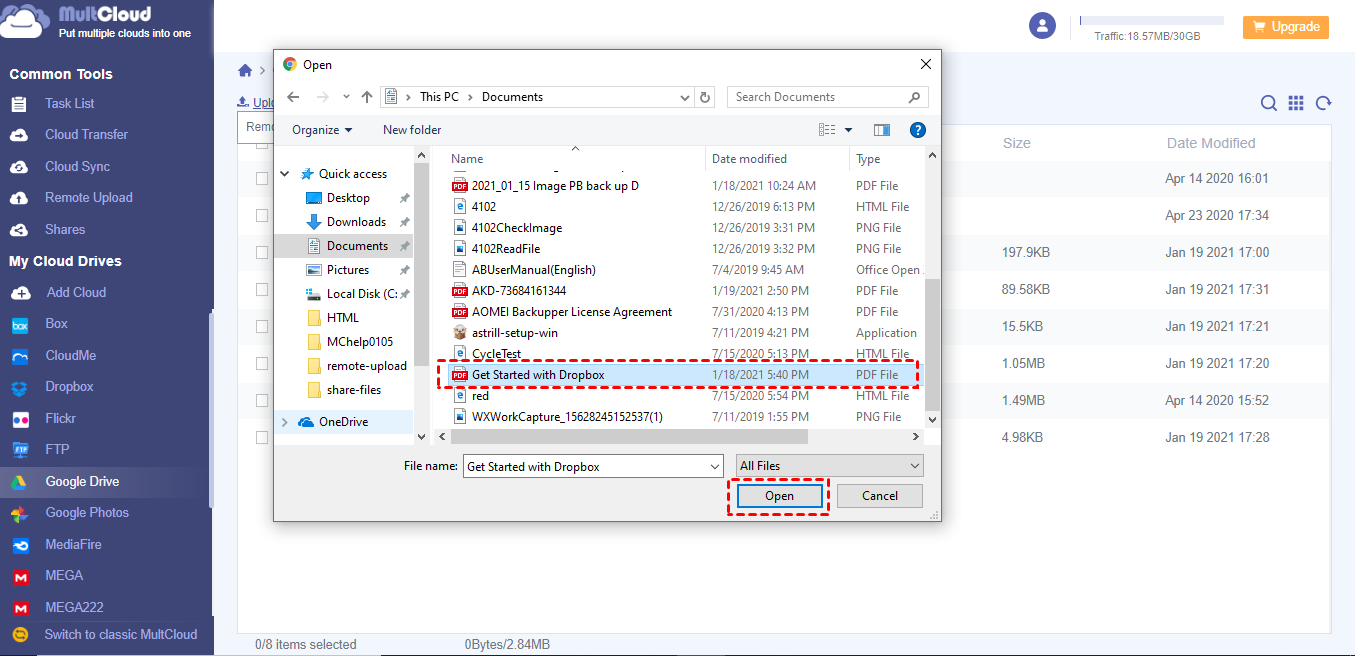
Open Button
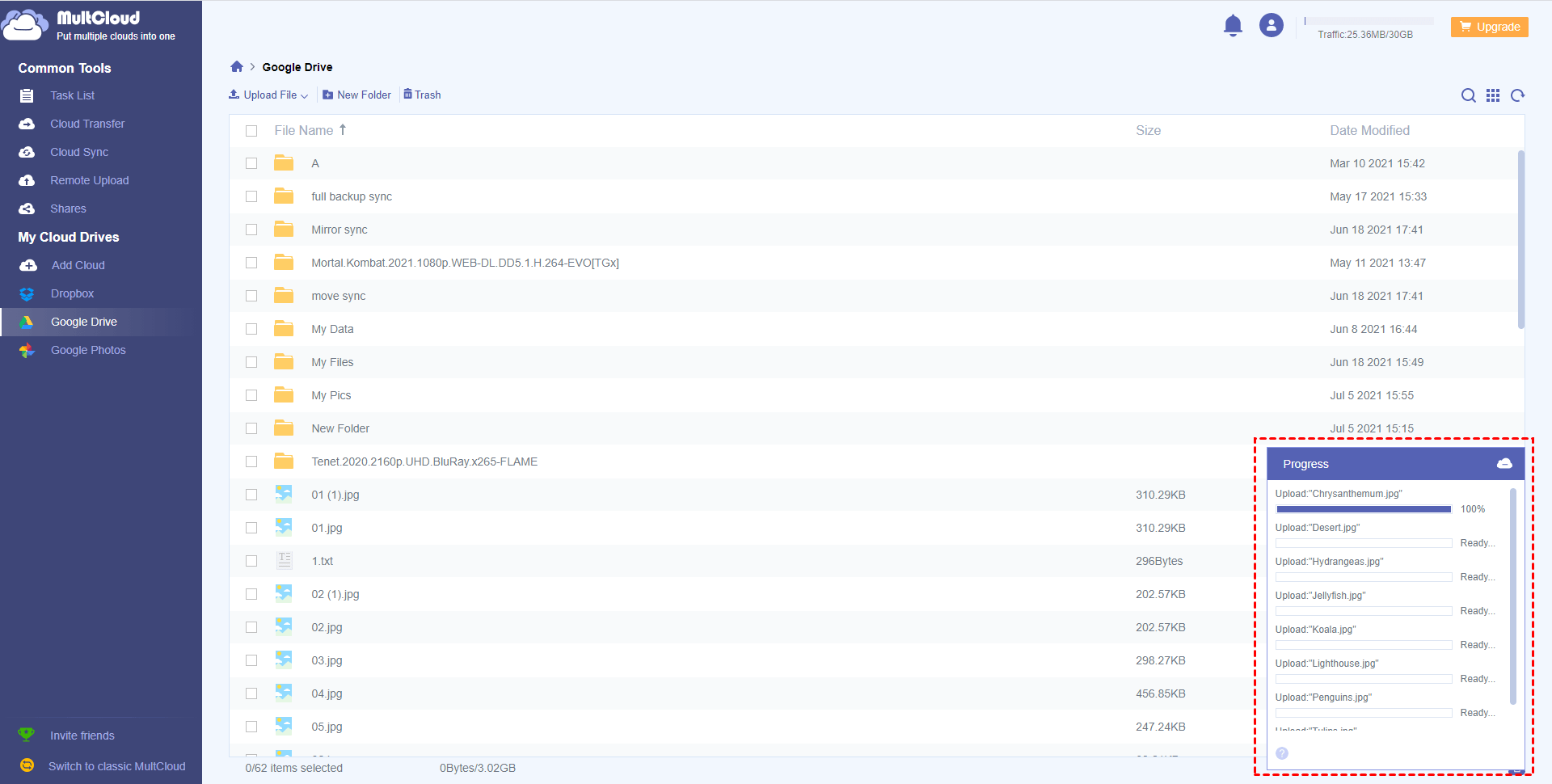
Progress Bar

Finished Uploading Files to Cloud Service
Tips:Another easiest method is directly dragging target file from PC desktop to the interface of MultCloud by holding left mouse button like moving file in Windows Explorer.

Moving Files From Desktop to MultCloud Interface
Google Drive
Google Workspace
OneDrive
OneDrive for Business
SharePoint
Dropbox
Dropbox Business
MEGA
Google Photos
iCloud Photos
FTP
box
box for Business
pCloud
Baidu
Flickr
HiDrive
Yandex
NAS
WebDAV
MediaFire
iCloud Drive
WEB.DE
Evernote
Amazon S3
Wasabi
ownCloud
MySQL
Egnyte
Putio
ADrive
SugarSync
Backblaze
CloudMe
MyDrive
Cubby
