


13 Years of Mastery. Industry-Leading Stability. Transfer and Manage across 30+ clouds, scheduled & automation transfers, sync &backup.

Web-based, no install needed. Runs transfers on its own servers (no local bandwidth), just copy and paste all your files between clouds.

Privacy-focused, full GDPR compliance built-in. Protects transfers with 256-bit AES SSL encryption, ensuring interception-free data security across all migration scenarios.
No Downloads. No Uploads. Just Cloud-to-Cloud.
Trusted by 5 Million Users Worldwide — Cloud Transfer Has Never Been
So Easy
Get rid of the agonizing download-and-re-upload loop. Empty your Google Drive straight into OneDrive in the background without eating up a single KB of local data.
Start Transfer for FreeIs your school or corporate account about to expire? Rescue your years of hard work and safely move everything to your personal drive before it's gone forever.
Start Transfer for FreeChanging jobs or graduating? Don't copy folders one by one. Merge accounts or transfer file ownership instantly without mess or data leakage.
Start Transfer for FreeIs your Google storage screaming that it's full? Relieve the pressure by shifting thousands of high-res photos and videos to OneDrive with original quality perfectly intact.
Start Transfer for FreeDitching the Microsoft ecosystem for good? Don't let hundreds of gigabytes hold you back. Let our servers silently pack and move everything to Google Drive while you sleep.
Go to AppSwitched to iPhone and want your memories in Apple's native app? Migrate your entire gallery instantly so your pictures seamlessly appear on all your Apple devices.
Start Transfer for FreeFrom cloud transfer, sync, and backup to email migration, website protection, remote uploads, and enterprise data migration, MultCloud provides everything you need to manage, move, and protect your data across clouds from one unified platform.

Transfer files directly from one cloud to another without using your computer. MultCloud handles the entire process on its servers, making cloud migration faster and more efficient.

Keep files automatically synchronized across multiple cloud accounts. Any changes made in one location can be reflected in another, ensuring your data stays up to date everywhere.

Create scheduled backups between cloud accounts and retain historical versions for easy recovery. Recover deleted, modified, or overwritten files whenever necessary.

Seamlessly migrate entire mailboxes from Gmail or Outlook straight to your cloud storage. MultCloud automatically converts emails and attachments into neat PDFs, making digital archiving completely effortless.

Bypass your computer entirely. Simply paste the URL, magnet link, or torrent file into MultCloud, and our servers will fetch and save the files directly to your cloud in the background. You can turn off your PC.

An enterprise-grade migration engine that automatically pairs and maps user accounts between source and destination business domains. It bulk-transfers employee directories simultaneously while perfectly preserving original folder structures.

The ultimate safety net for webmasters. By integrating FTP/SFTP and MySQL database connectors, MultCloud allows you to clone or schedule full backups of your website files and live databases directly to secure cloud storage, allowing for quick recovery if anything goes wrong.

Access and manage all your connected cloud storages with a single login. Perform desktop-like file operations (upload, download, preview, rename, or password-protected sharing) in a unified interface, and use Global Search to find any file scattered across your clouds with just one keyword search.
MultCloud supports over 30 cloud services (nearly 40 integrations), allowing you to connect, manage, and transfer files across all your cloud accounts from a single platform.
Professionals and organizations rely on MultCloud for secure, effortless cloud transfer and sync. Combining powerful automation with an intuitive interface, MultCloud makes moving and updating your data across platforms fast, seamless, and productive from anywhere.
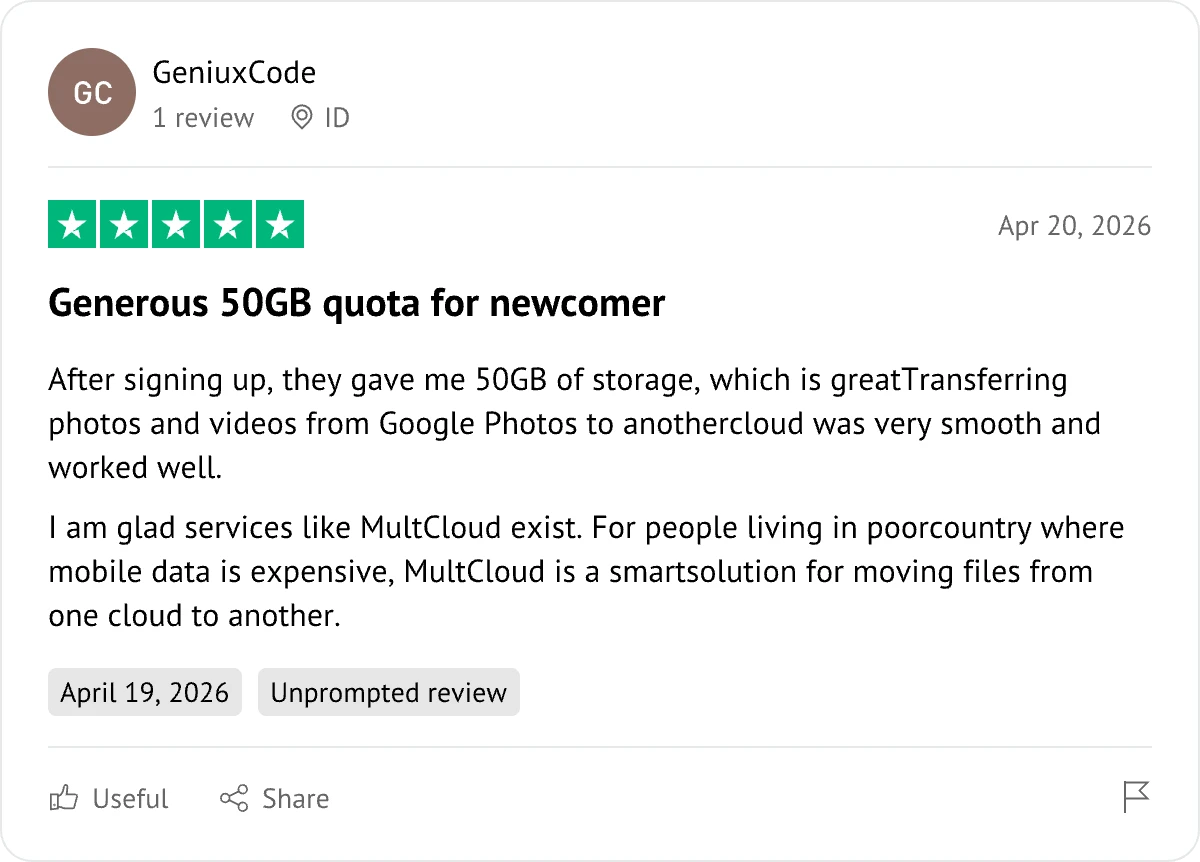
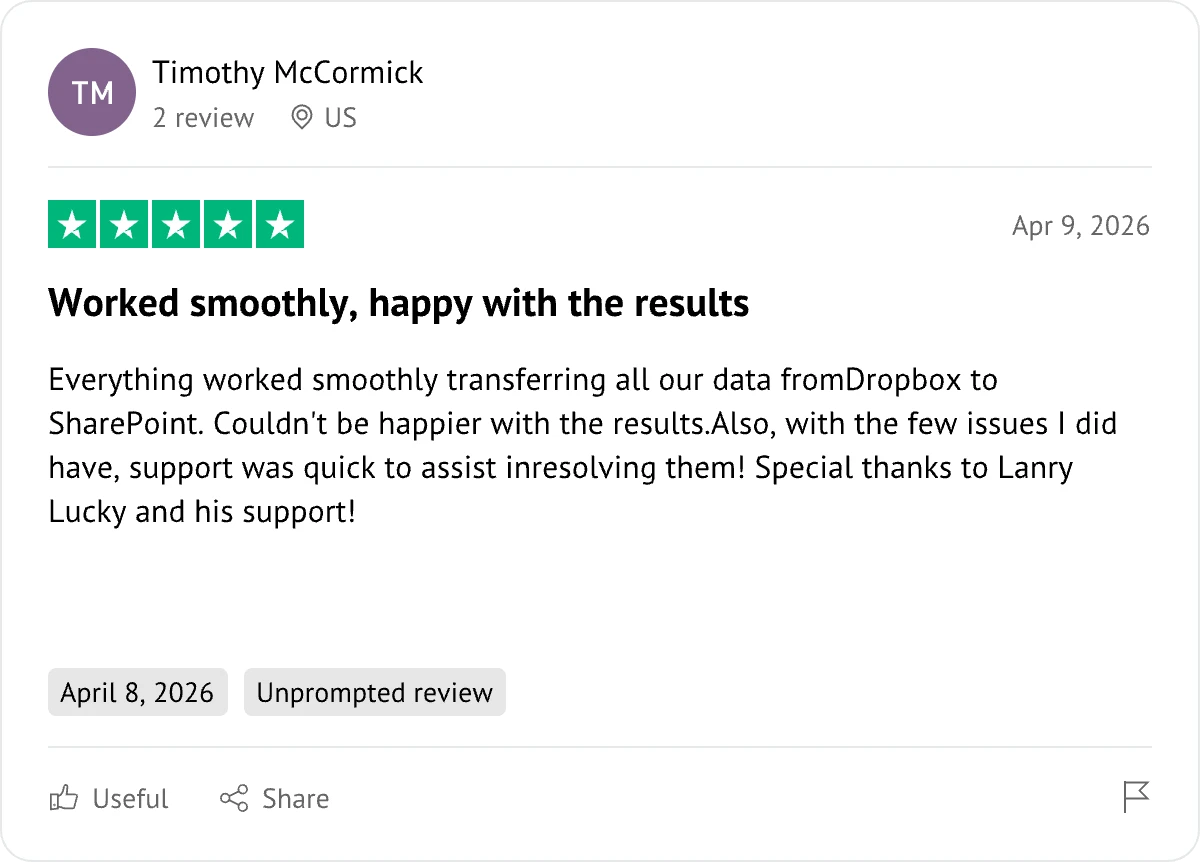
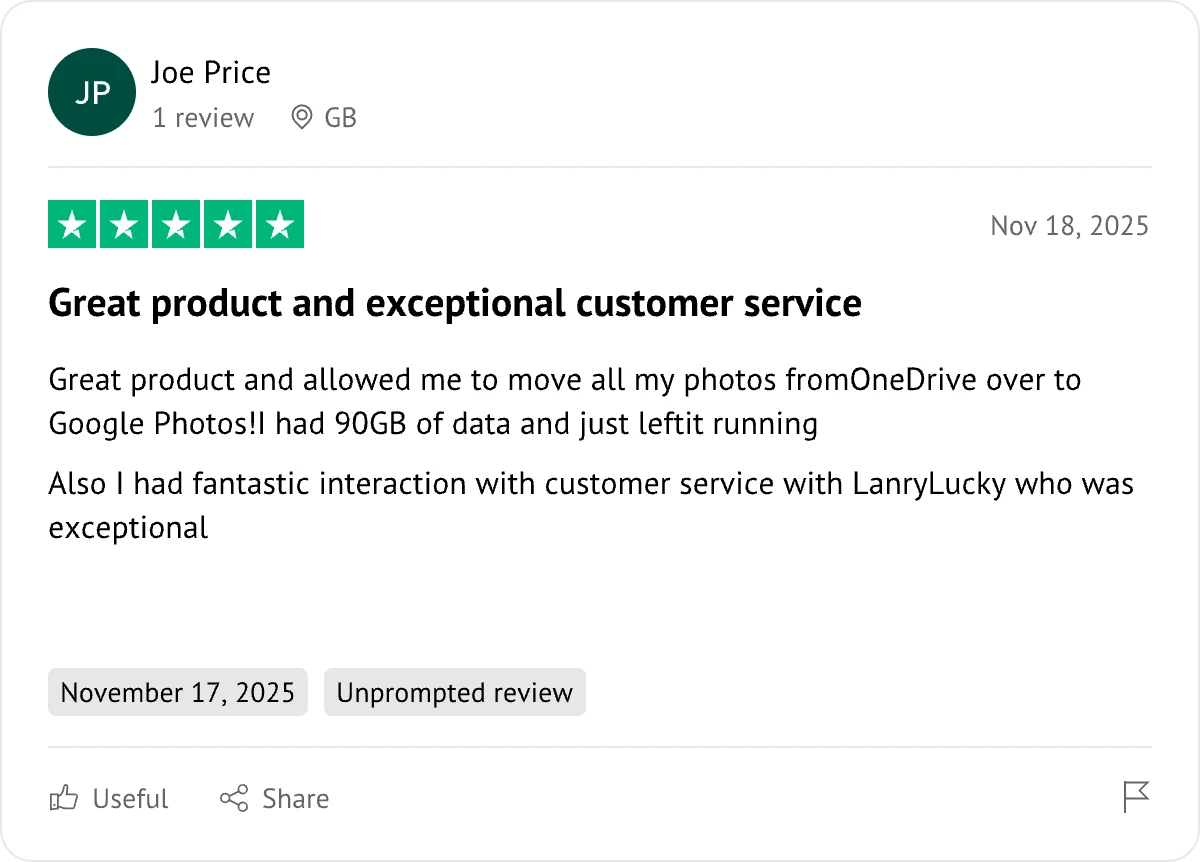
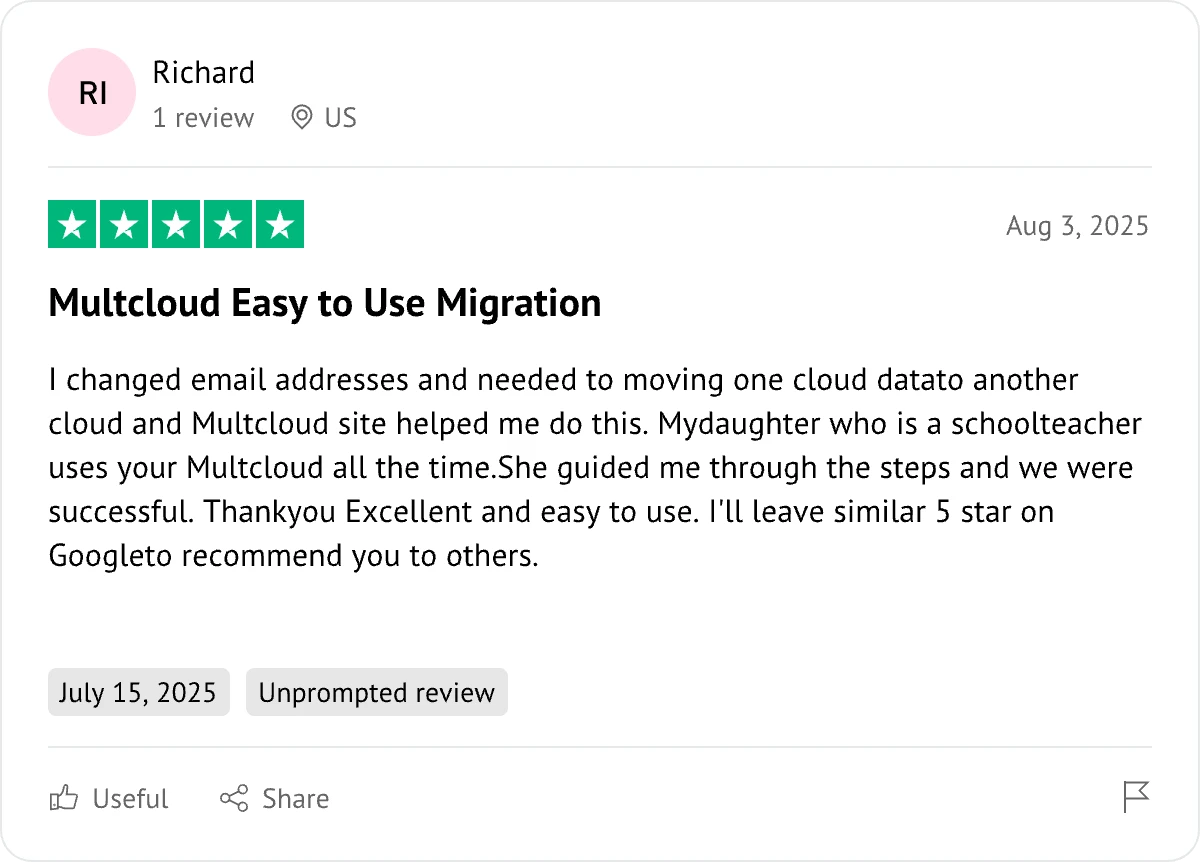
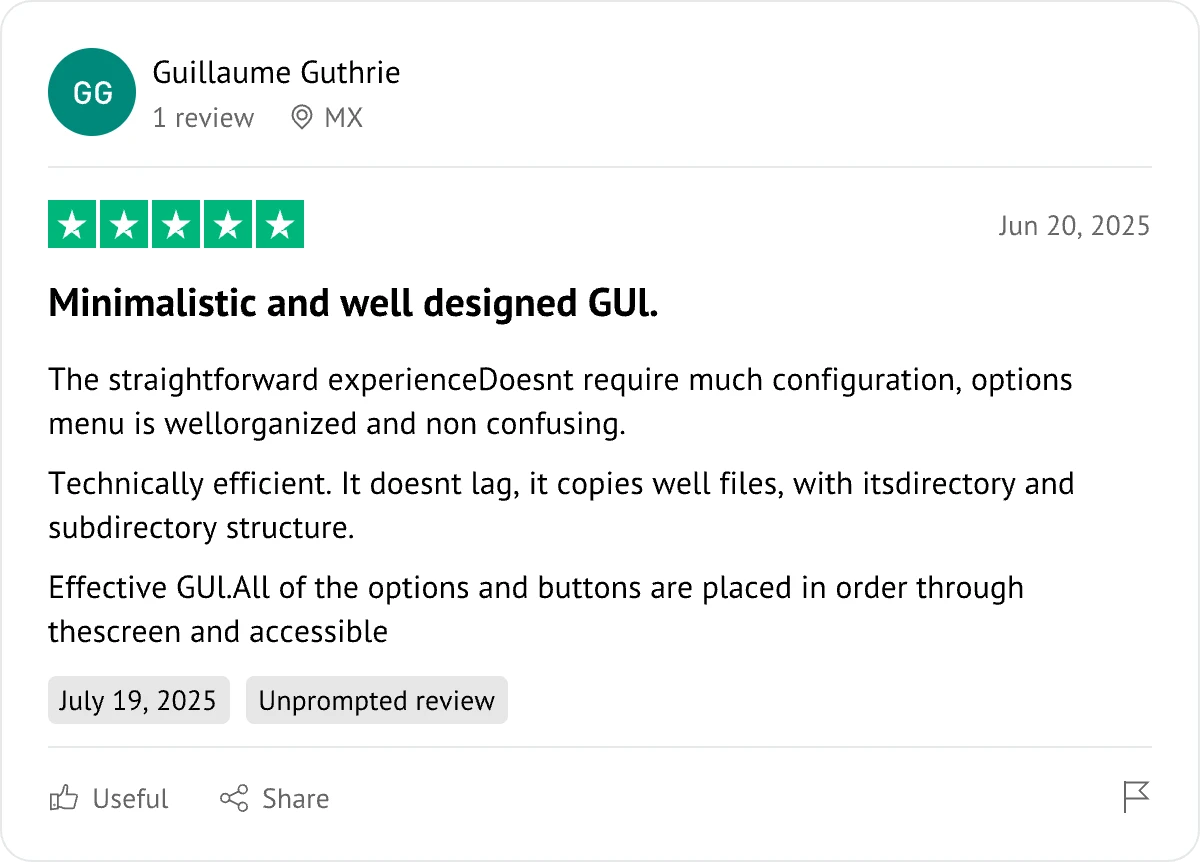
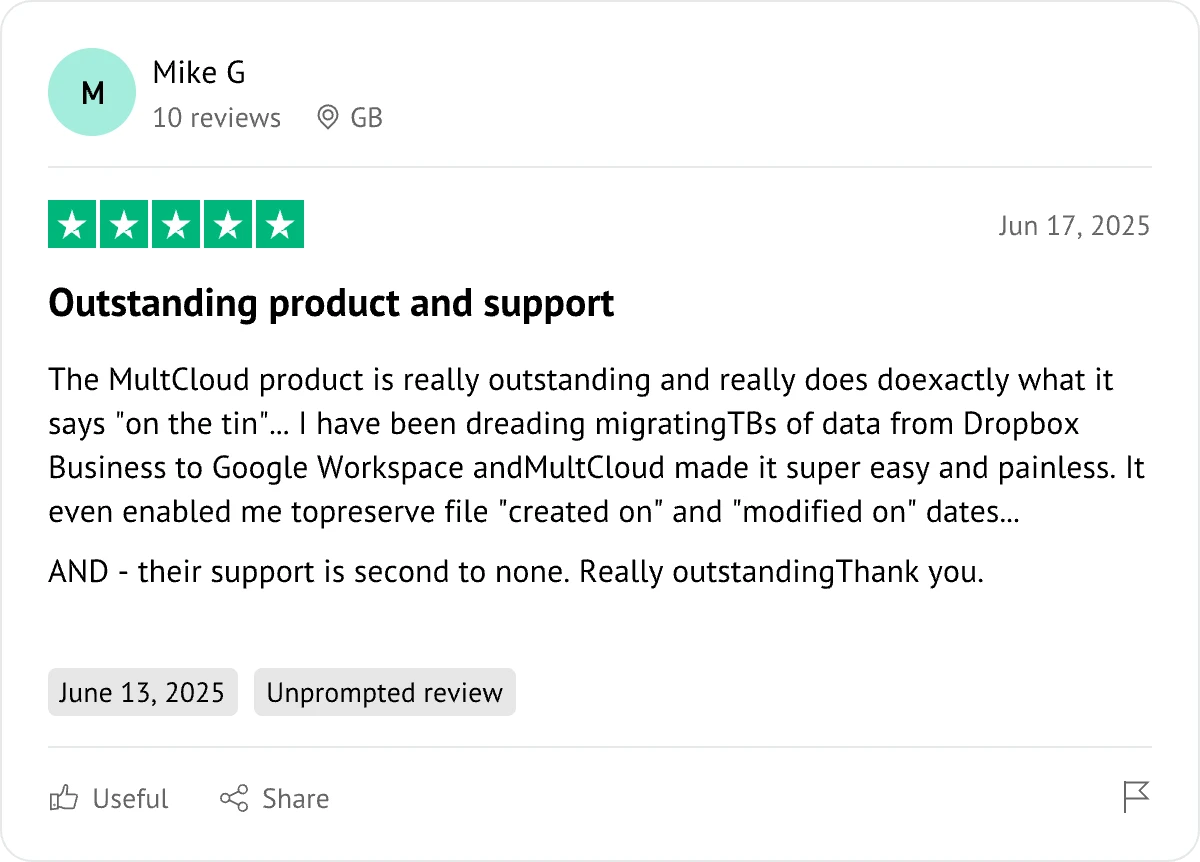
The Go-to Choice for Cloud-to Cloud Transfer, Sync & Backup Files Across Clouds.
Start for Free