| Primary Purpose | Continuous synchronization between your local computer and Google Drive/OneDrive. | Continuous synchronization directly between any two clouds. | One-time export and download of your entire Google Drive data as an archive. |
|---|
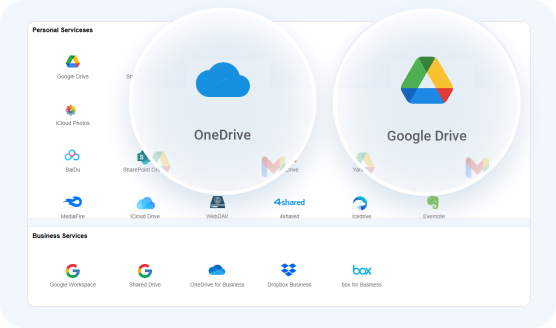
| Cross-Cloud Support | No — each app only syncs to its own cloud | Yes — 30+ clouds | Yes — but entirely manual |
|---|
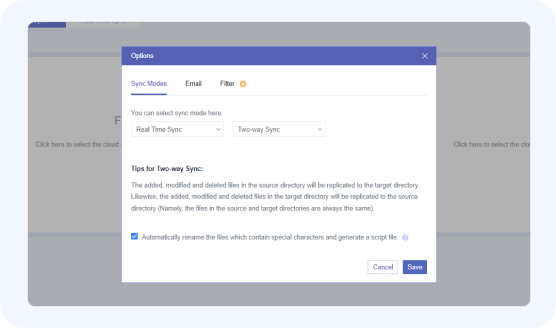
| Sync Direction | Two-way (Bi-directional). | Two-way, One-way, Incremental, Mirror sync and other modes (all 10 sync modes). | One-way only |
|---|
| Real-Time Sync | Yes — but only triggers on local file changes, not cross-cloud | Yes — instant detection and propagation of changes | No |
|---|
| Scheduled Sync | No | Yes — daily, weekly, monthly, or custom time schedules | No |
|---|
| Where the Data Transfers Through | Your local computer's internet connection and hard drive (cache). | MultCloud's remote servers (server-side transfer). | The servers of Google Drive and Microsoft OneDrive, then your local computer when downloaded. |
|---|
| Does Your Computer Need to Stay On? | Yes. Sync stops if your computer is off or asleep. | No. The sync runs entirely in the cloud, so you can turn off your PC. | No. The export runs entirely in the cloud, so you can turn off your PC. |
|---|
| Cost | Free (with your cloud storage subscription). | Freemium; limited free data transfer, requires a paid plan for large amounts of data or recurring schedules. | Free (uses your Google Drive storage quota to create the archive). |
|---|
| Speed for Large Transfers | Slow - 2.4GB, 12 mins 21 secs | Fast - 2.4GB, 3 mins 46 secs | Slow - 2.4GB, 18 mins 39 secs |
|---|



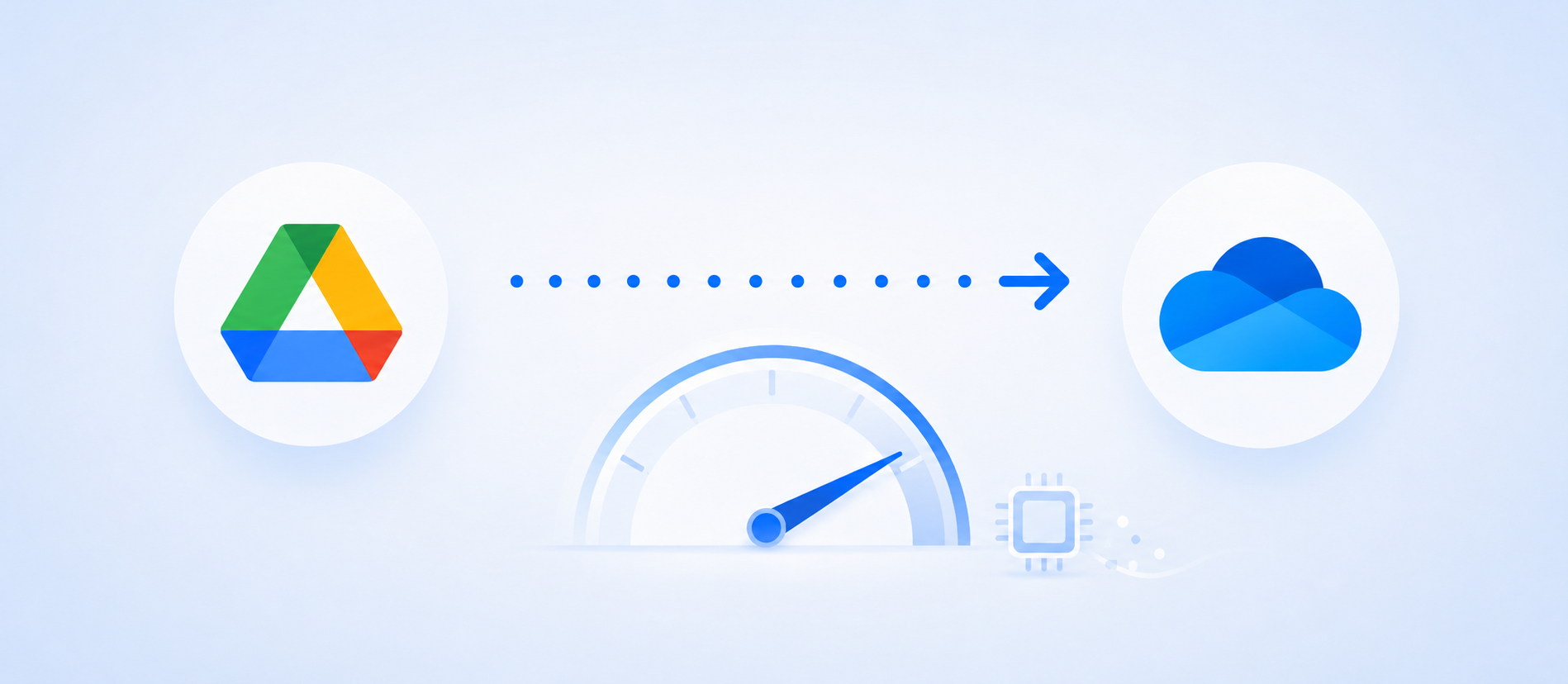
 MultCloud runs 100% in the cloud — zero local CPU, RAM, or background processes.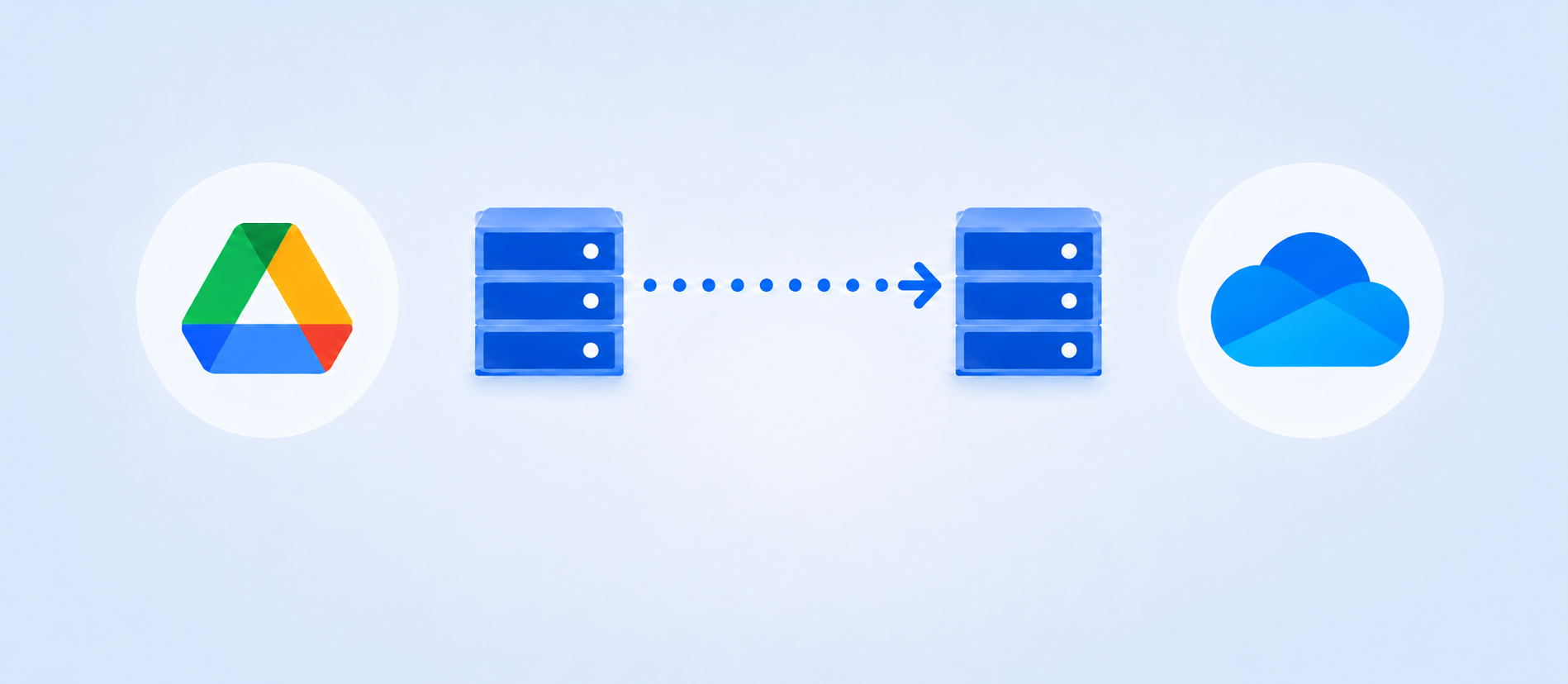
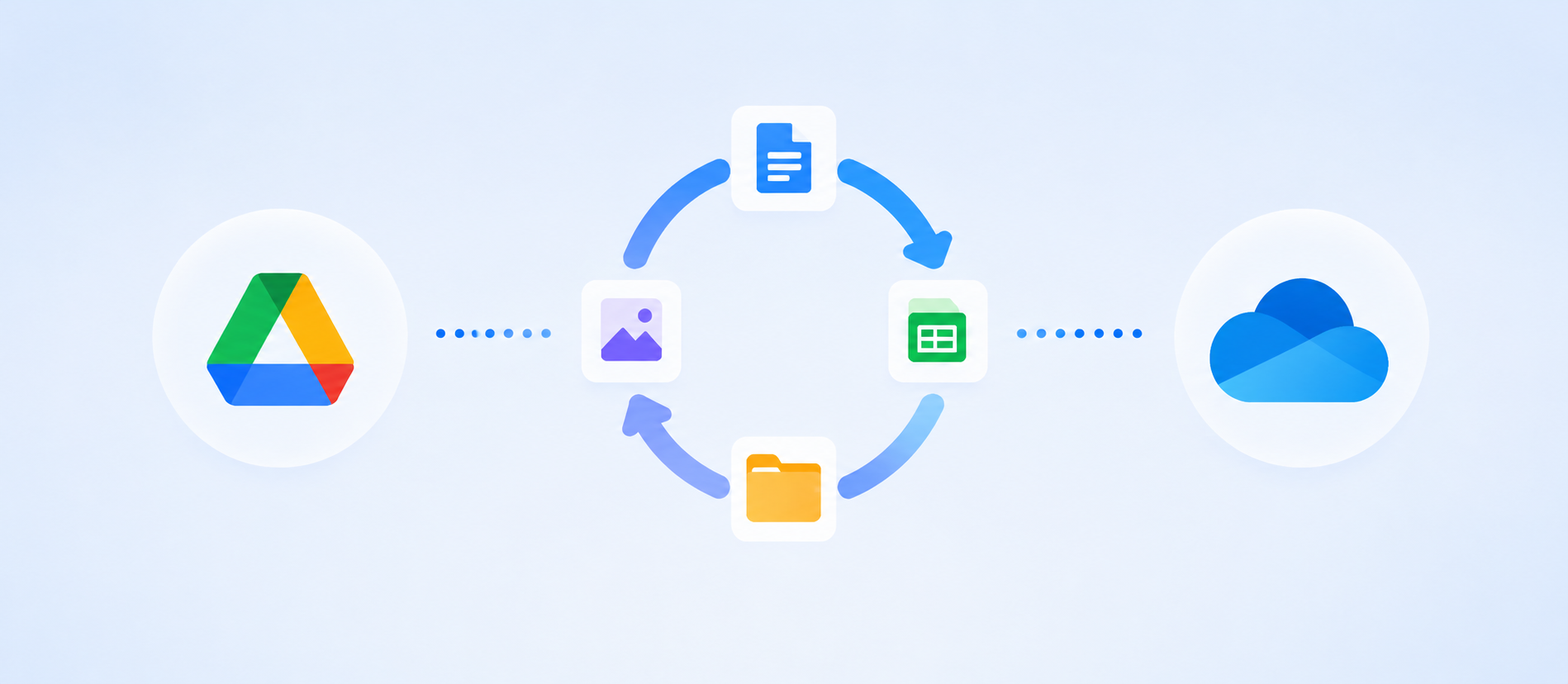


 Test Specs: 1,930 Files (312 MB Small + 2.1 GB Large)
 Intel Xeon Gold Server
 500 Mbps Ethernet
 Sync Logs: June 2026