
 Posted by
@MultCloud May 14, 2026
Posted by
@MultCloud May 14, 2026

Migrate files across different cloud drives without manually downloading and re-uploading.

Sync two clouds or directories in two different cloud drives via one-way or two-way sync.

Backup one cloud data to another cloud for an extra protection and easy recovery.
If you want to transfer files across cloud drives, first you need to create a MultCloud account and add your cloud drives to MultCloud to begin the transfer. Please see the instructions below so that you will know how to create and manage your MultCloud account.
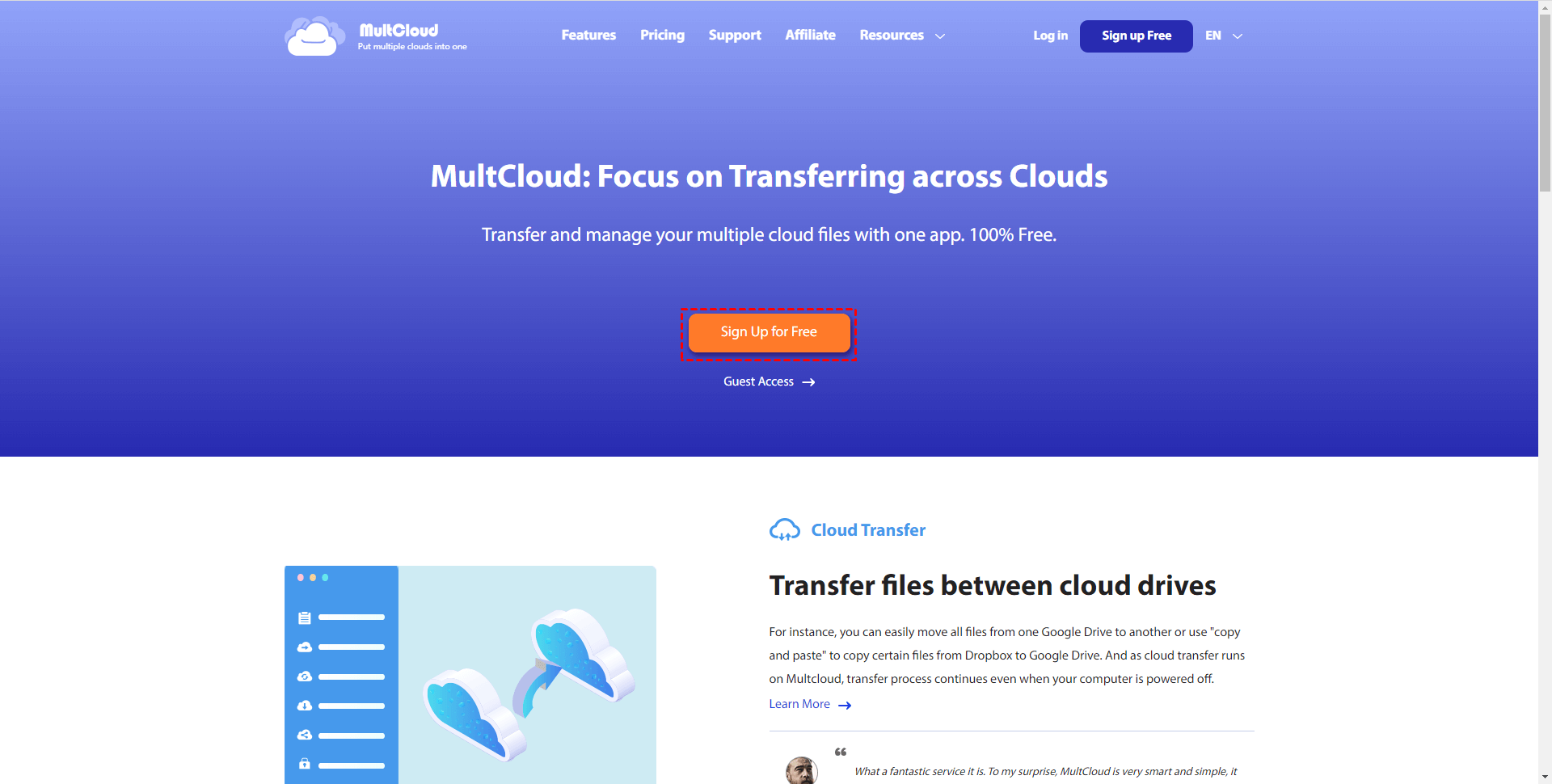
Step 1: Visit our site and click "Sign Up Free".
Step 2: Enter your email address and password to create an account.

Step 3: It is recommended to login to your email account to complete the activation process.
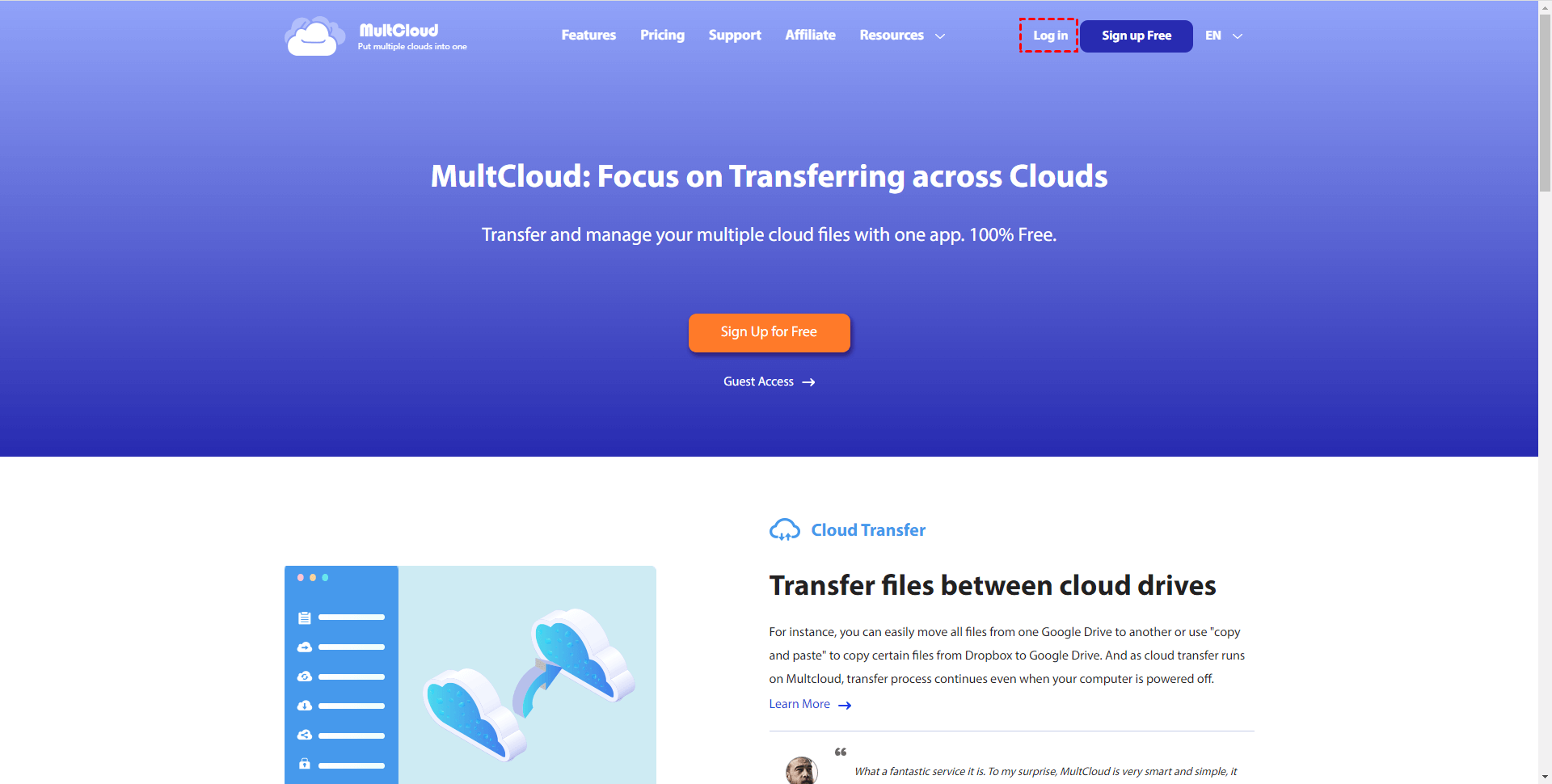
Step 4: Click "Log in" to login to your MultCloud account.
If you don't want to create an account, you could login with your Google account, Facebook account or Apple account directly.
Note: The account logged in via Google/Facebook/Apple is not the same as the account logged in via email. These are two completely different accounts, even if you use the same email address. Besides, it is not possible to change password if it's Google/Facebook/Apple account.
When you have a MultCloud account, you can manage your account under Account Settings.
1. Login to your MultCloud account, click "Settings" under username.
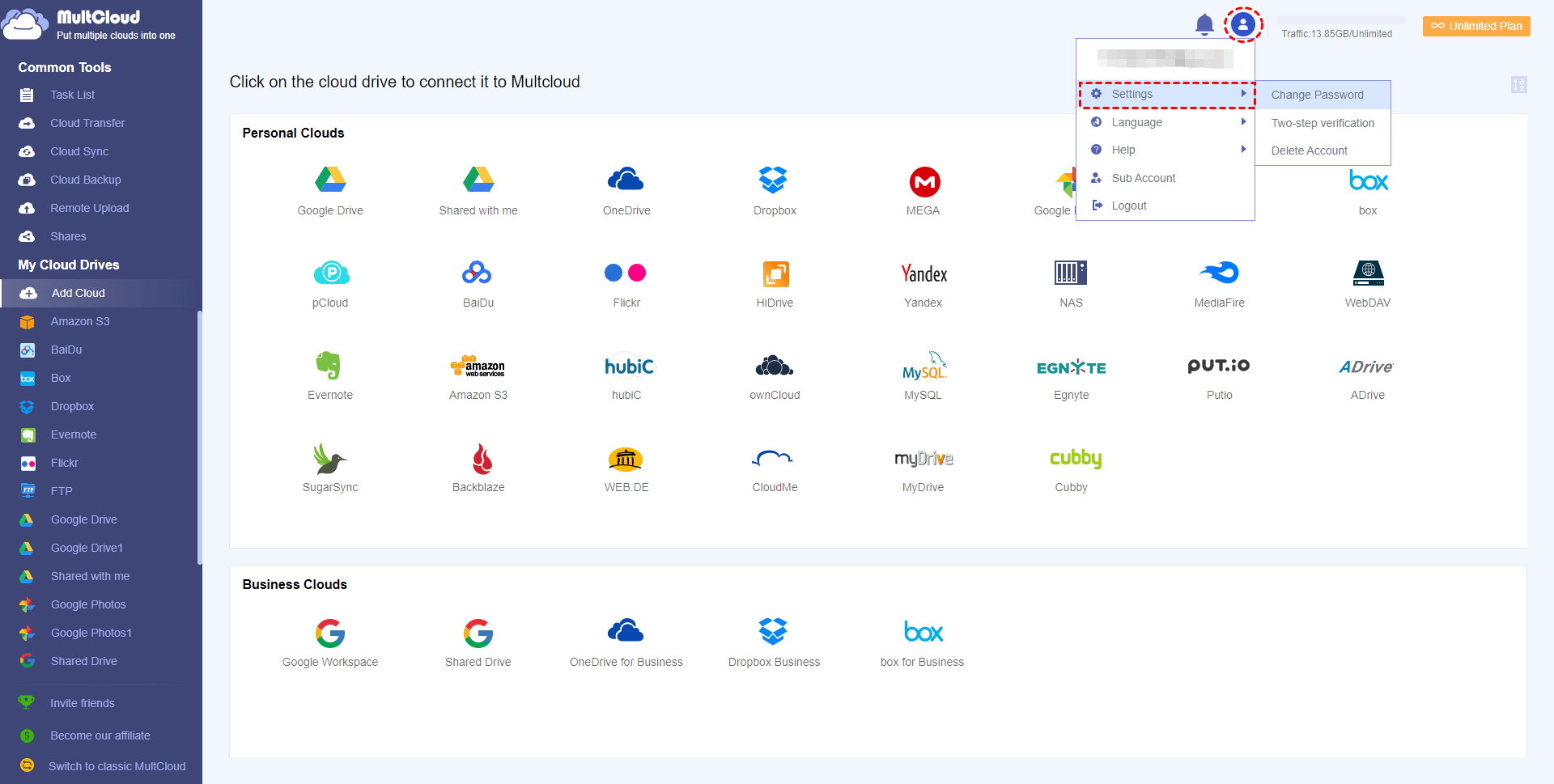
2. You can change password in Settings-->General.
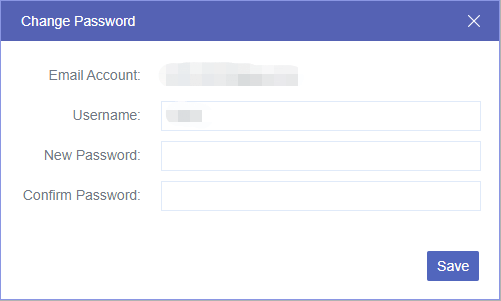
Tips: If you forgot the original password, you can click "Forget password" in login interface to set a new password.
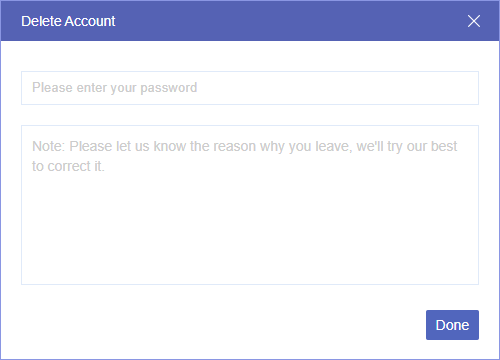
3. You can delete your MultCloud account in Settings-->Options. Please enter your password and the reason for deletion (optional) and then click "Delete my account".
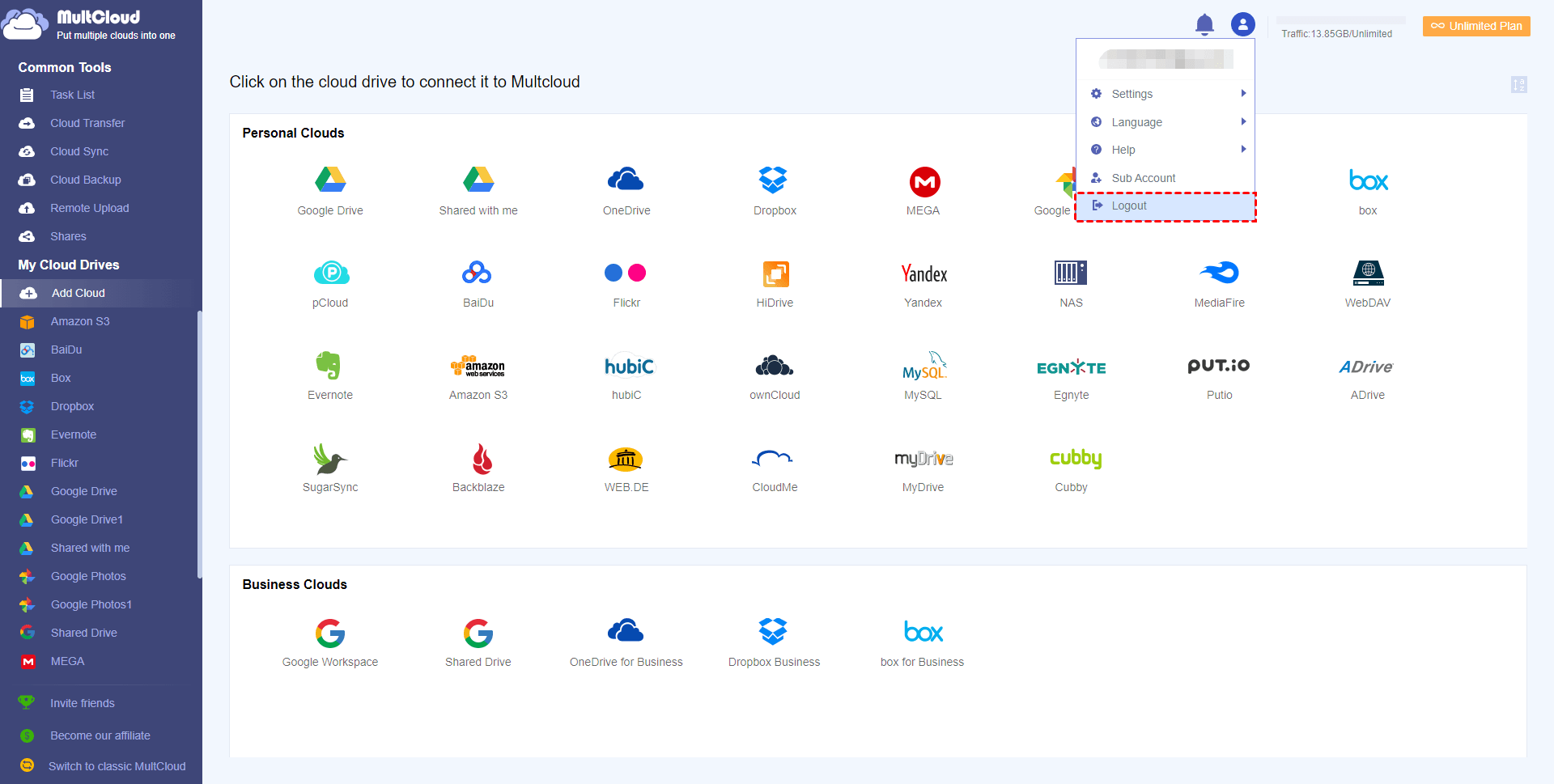
4. You can log out the account by clicking "Logout" under the username.
MultCloud helps you transfer/manage files across different cloud services. First, you must create and log in to your MultCloud account to begin your cloud file management journey.
Google Drive
Google Workspace
OneDrive
OneDrive for Business
SharePoint
Dropbox
Dropbox Business
MEGA
Google Photos
iCloud Photos
FTP
box
box for Business
pCloud
Baidu
Flickr
HiDrive
Yandex
NAS
WebDAV
MediaFire
iCloud Drive
WEB.DE
Evernote
Amazon S3
Wasabi
ownCloud
MySQL
Egnyte
Putio
ADrive
SugarSync
Backblaze
CloudMe
MyDrive
Cubby
