256-Bit AES Encryption
All data transfers are protected with 256-bit AES encryption over SSL connections.
This advanced encryption technology helps prevent unauthorized access, interception, tampering, and data breaches during transmission.

Enjoy premium cloud transfer features and 200GB traffic at no cost.
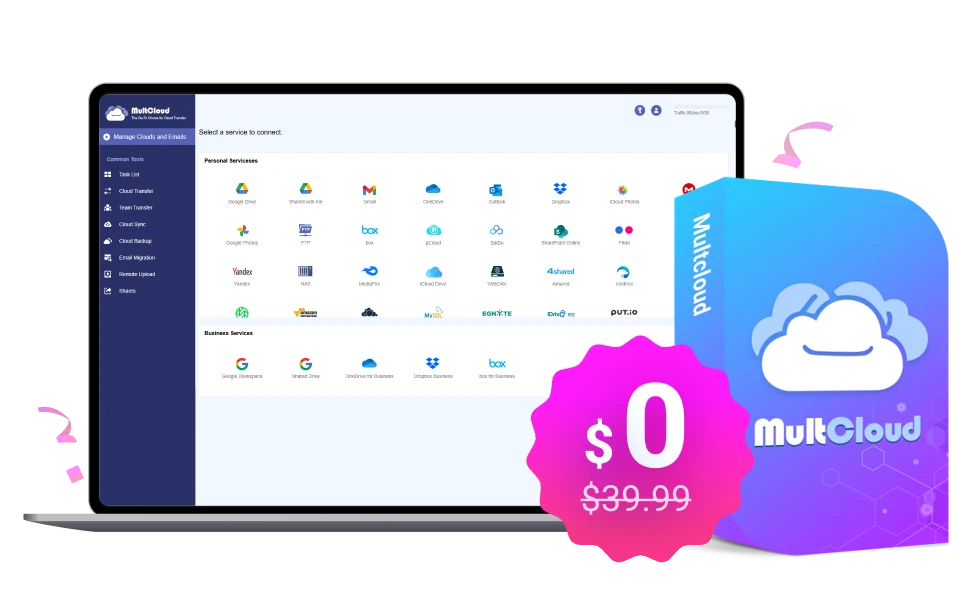
Connect 30+ cloud services
No Downloads. No Uploads. Just Cloud-to-Cloud
Automated sync, backup, and migration workflows
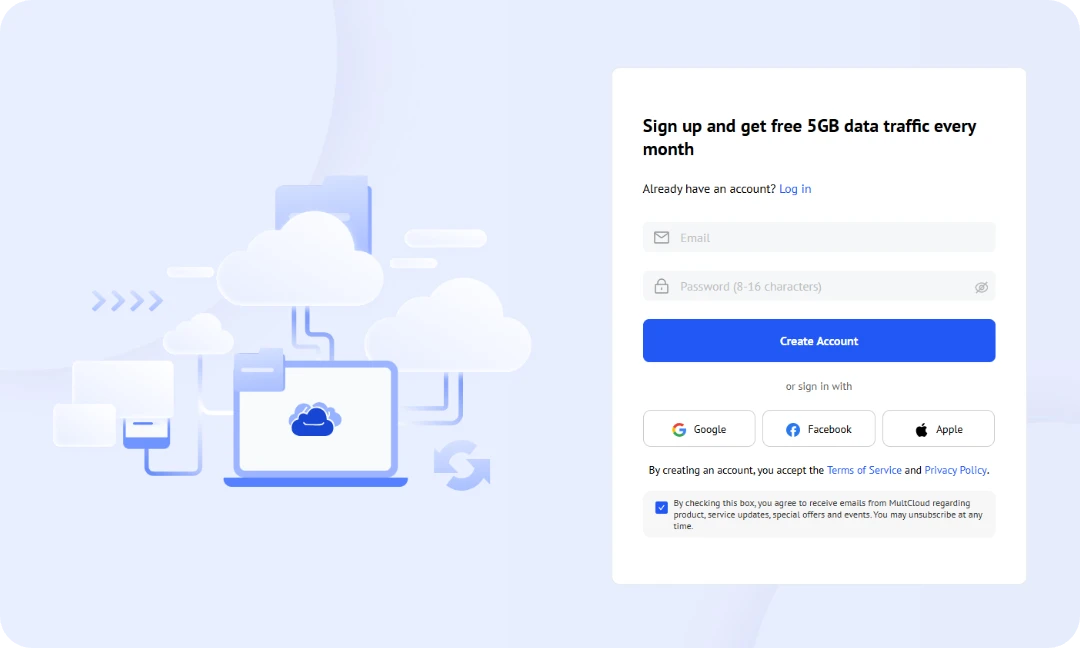
Go to MultCloud app and sign in to your account
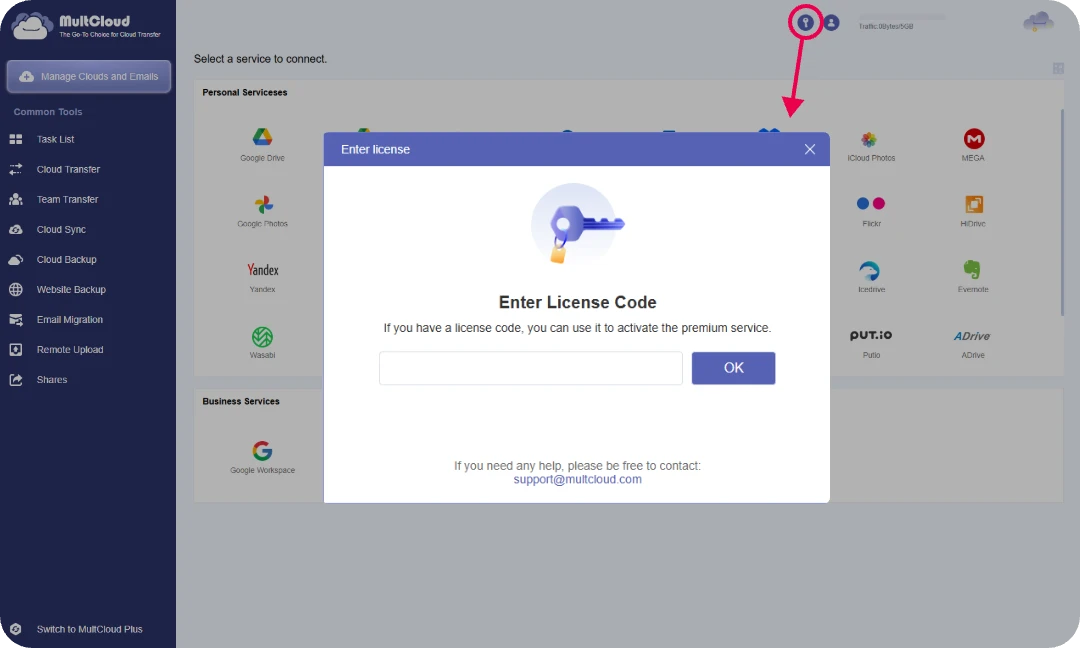
Click the button in the top-right corner and enter your code to complete the activation.
If you have any question please contact support@multcloud.com
Go to App >>
All data transfers are protected with 256-bit AES encryption over SSL connections.
This advanced encryption technology helps prevent unauthorized access, interception, tampering, and data breaches during transmission.

MultCloud connects to your cloud services using OAuth authorization.
This means MultCloud never sees, stores, or manages your cloud account passwords.

We respect your privacy and process only the information necessary to provide our services.
MultCloud follows privacy and security practices designed to support GDPR compliance and protect personal data.

Your files remain in your cloud storage accounts.
MultCloud does not permanently save your data on its servers. Temporary cache data may be generated during operations, but it is automatically removed once the task is completed.
 Google Drive
 Google Workspace
 OneDrive
 OneDrive for Business
 SharePoint
 Dropbox
 Dropbox Business
 MEGA
MEGA
 Google Photos
 iCloud Photos
 FTP
FTP
 box
box
 box for Business
 pCloud
 Baidu
Baidu
 Flickr
 HiDrive
 Yandex
 NAS
NAS
 WebDAV
 MediaFire
 iCloud Drive
 WEB.DE
 Evernote
 More Clouds
You can use it to:
Get Premium features and 200GB cloud transfer traffic at no cost.
Limited-time giveaway. Claim your code before the offer ends.
 Claim My Free Code


